Catch the thought.
The title can wait.
Open Quick note and start writing. No project required. Quick notes have their own view, so the idea is easy to find when you come back.
 Try Orita free
Meet the refreshed Orita
A thought. A conversation. Your next move.
Make space for all of it, without the setup.
3 active notes free · No credit card
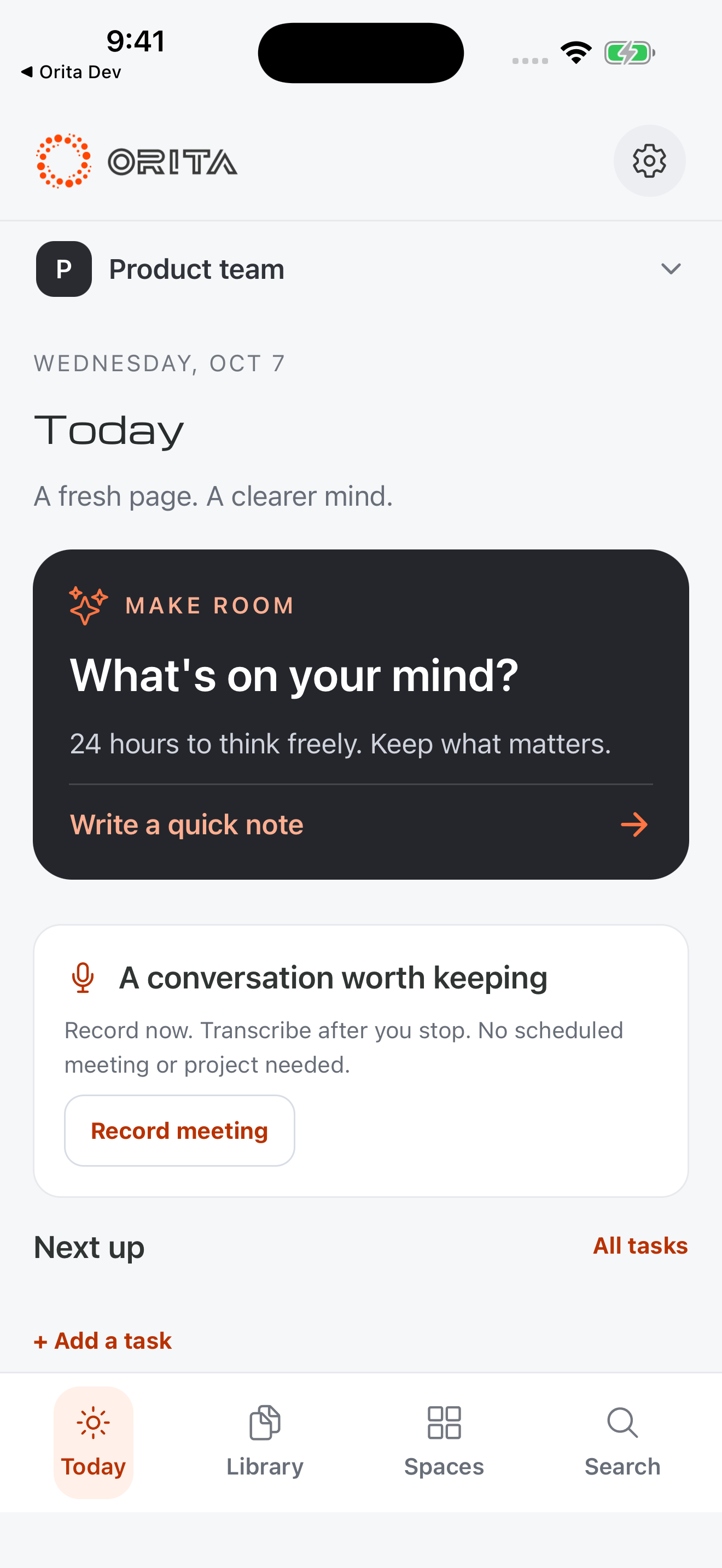
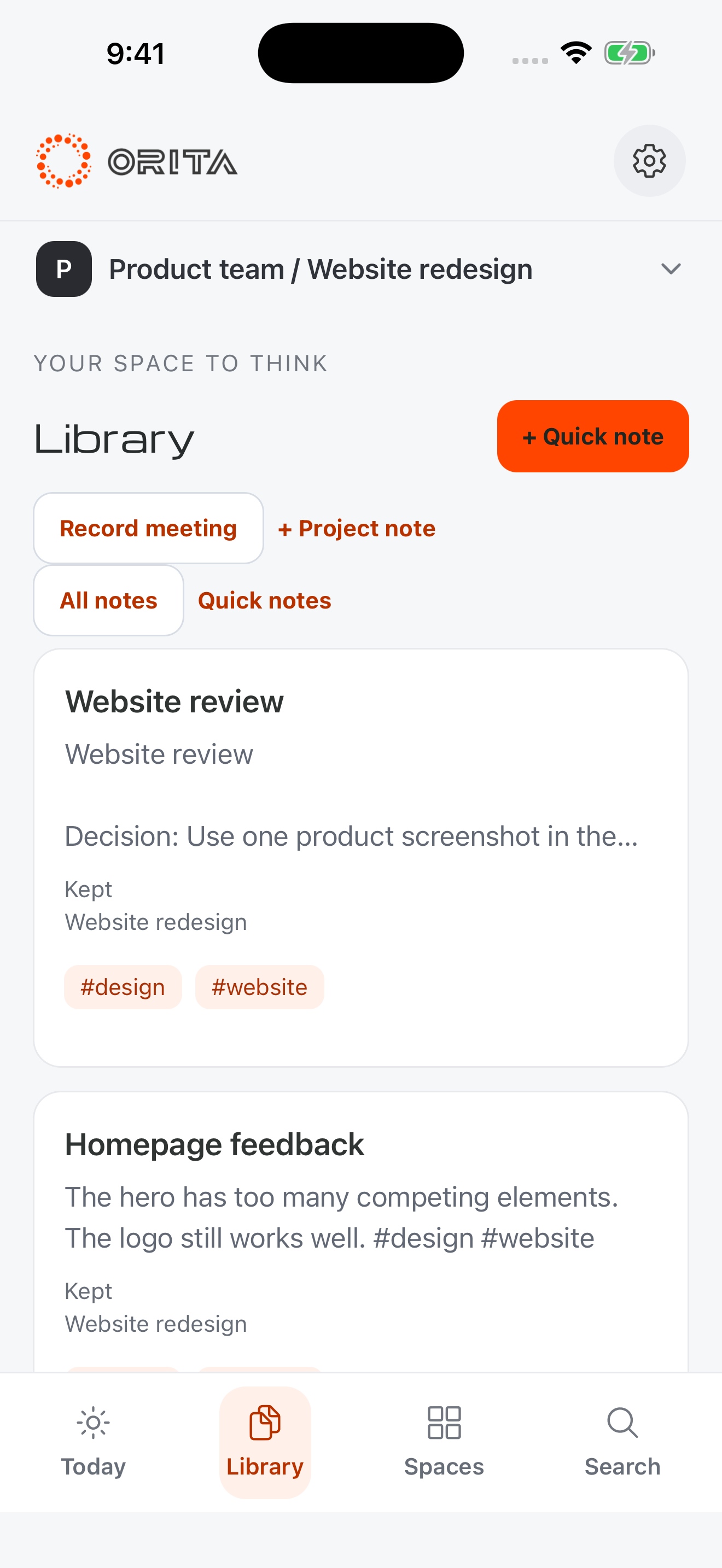
Not every thought
needs to stay forever.
New notes have a day by default.
Tap Keep for the ones that matter.
Less setup. More momentum.
Capture a quick note without choosing a title or project. Give it a home when you’re ready. Connect it to the rest of your thinking.
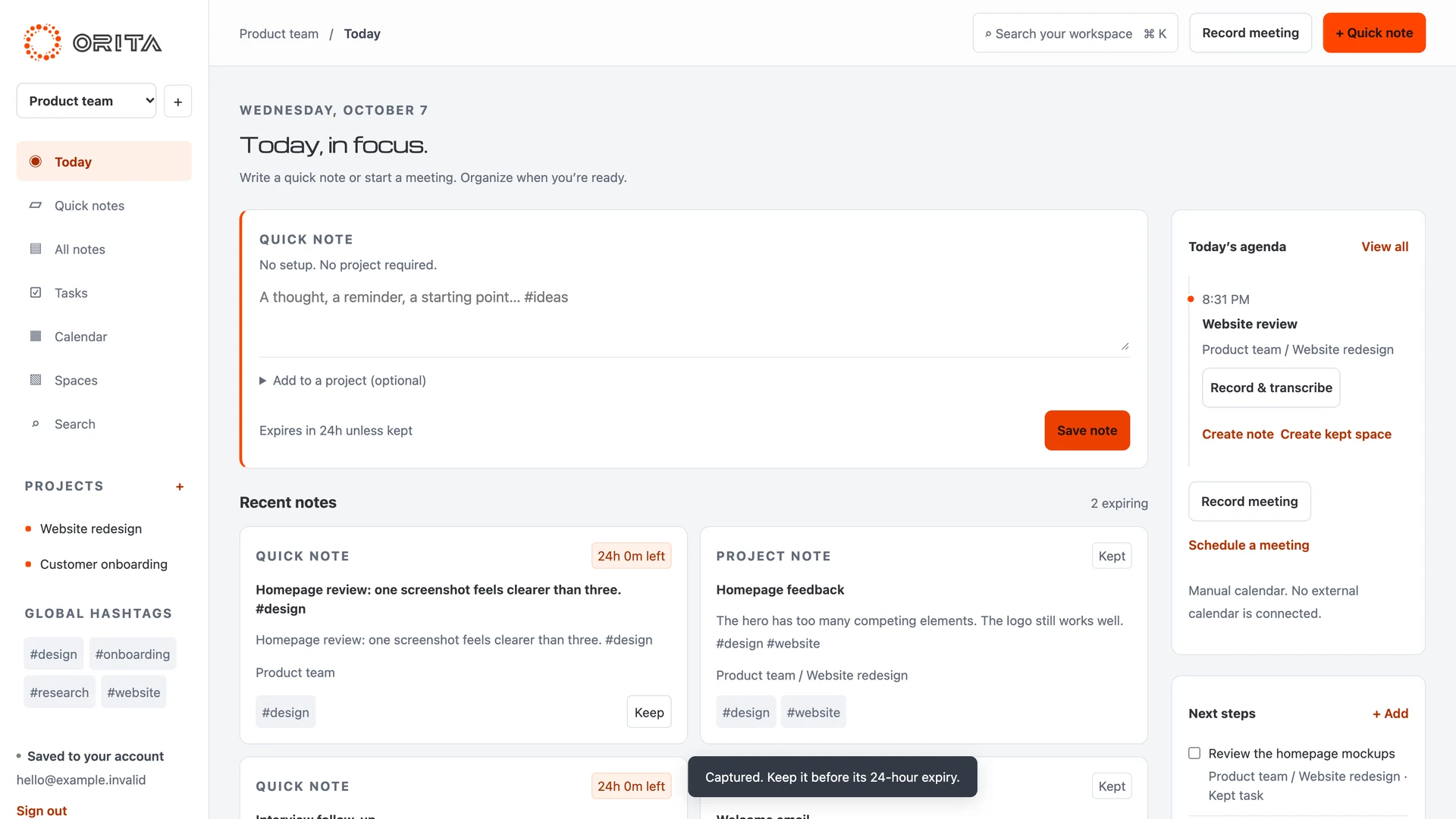
Open Quick note and start writing. No project required. Quick notes have their own view, so the idea is easy to find when you come back.
Add or change a project later. Link ideas with #hashtags. Keep next steps in Tasks and arrange your thinking in Spaces. Moving a note preserves its expiry.
Notes expire after 24 hours by default. Keep removes the deadline. Editing doesn’t restart it. Prefer a permanent library? Turn default expiry off for future notes.
From conversation to clarity
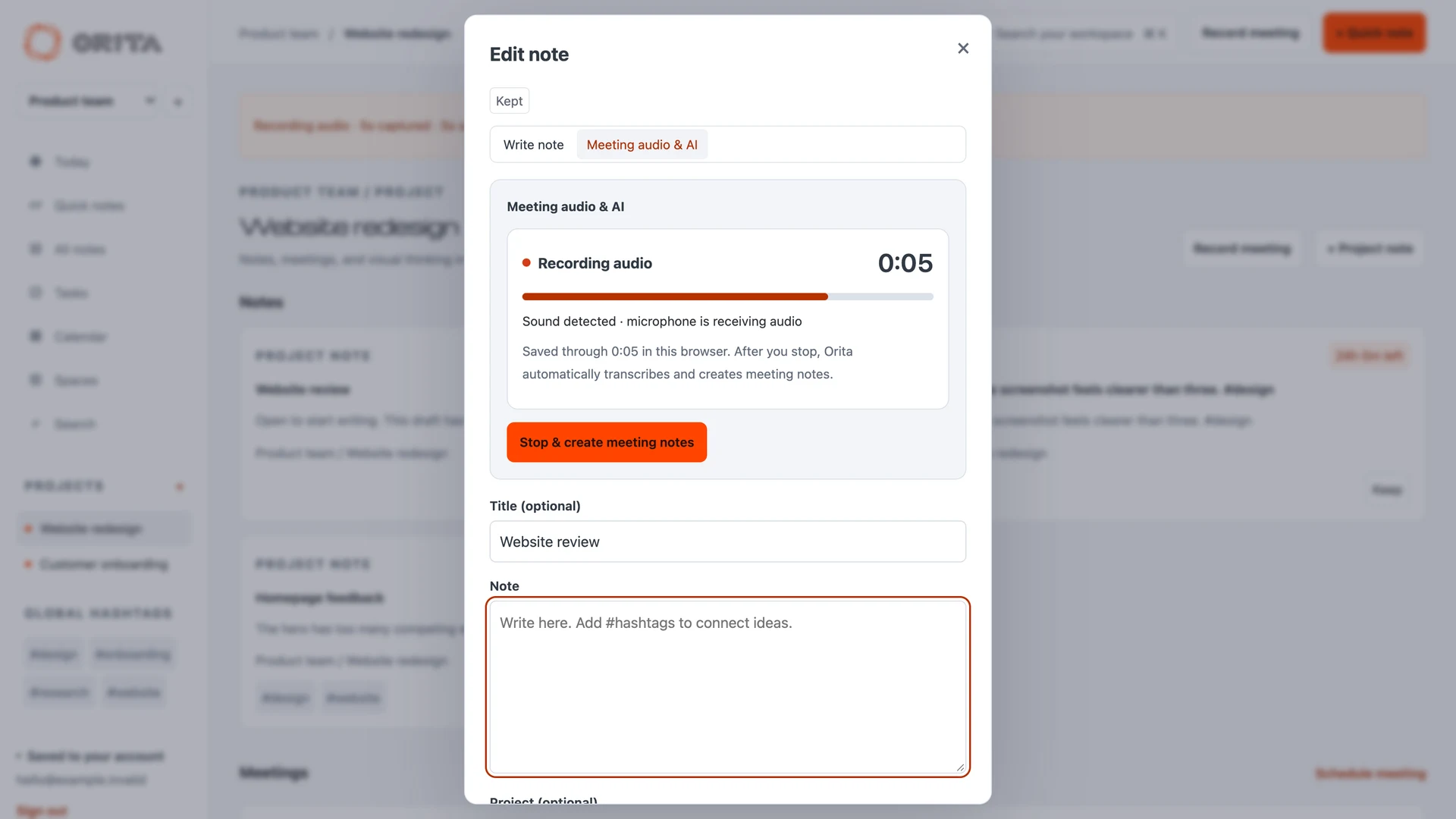
Start recording on the web or a compatible mobile app. No calendar setup needed.
Audio-only recording works without AI access. Saved audio and completed processing progress stay available for retry.
Your library. Your choice.
Use a local mobile library without an Orita account. Choose a cloud library when you want your saved notes across mobile and web.
Signing in and choosing a library are separate decisions. Switching libraries doesn’t move or delete your notes. Supported Apple builds also offer private iCloud sync for your text library.
Read our privacy approachWorkspaces for the different parts of your life. Projects for what you’re moving forward. Recent notes first, organization when you need it.
Browser audio stays in its capturing browser; download a WAV backup. Save transcripts and meeting notes to your cloud note to access them elsewhere. Private iCloud sync covers text, not audio.
Two ways to make room
Start free. Choose the device purchase for a local library, or Cloud for a connected account and hosted AI.
ORITA / DEVICE
$3.99 once
Start with 3 active notes free. The one-time purchase unlocks unlimited local notes.
Apple AI depends on device, OS and language. Local summaries require iOS 26+ and available Apple Intelligence. Android local AI is not supported. Device purchase excludes hosted AI and cloud storage.
ORITA CLOUD
$7.99 / month
Or $79.99 billed annually. Monthly and annual options have the same features.
Web subscription checkout is preparing for launch. Existing eligible access remains supported. Check your installed app for available store offers.
US prices; regional prices and taxes may differ. The checkout offer defines your purchase. Cloud text and workspace data have a separate 2 MB library limit. AI allowances reset each UTC calendar month and do not roll over; hosted processing has a one-minute minimum per segment. Summaries don’t charge transcription minutes again. Existing Pro purchases remain supported. Cloud lifetime is not offered.
Try the free web workspaceA few good questions
New authored notes expire 24 hours after creation unless kept, when default expiry is on. Editing or moving a note to another project does not restart the clock. Turn off default expiry for future notes in Settings. Recording immediately Keeps its note so audio processing cannot lose it to expiry. Exported backups remain separate copies.
Yes. Create an account for the refreshed web workspace, including Quick notes, projects, tasks, hashtags, Spaces and meeting recording. The free account includes 3 active notes and a 2 MB text library. Recording needs microphone permission and an open browser; eligible AI access enables automatic transcription and meeting notes. Without AI access, you can still save and play your audio.
Create your accountStarting a recording with eligible Cloud AI access selects the disclosed automatic processing flow. After you stop, audio segments go to Orita’s managed transcription service and the transcript is used to generate meeting notes. You don’t need a provider account or API key. Supported paid Apple builds can process locally instead. Without eligible AI access, audio is saved without AI processing. Review generated text before saving it.
Browser recordings are saved in the browser that captured them, with checkpoint recovery, playback and WAV download. They do not automatically sync to another browser or the native app. Compatible mobile apps offer cloud recording backup and restore. Private Apple iCloud sync covers the text library, not audio. Keep an independent copy of important recordings.
The refreshed mobile experience requires a compatible Orita 5.1 build. Updates reach compatible installations on a future cold start. The App Store link below opens the version currently offered by Apple; older releases have a different interface and feature set. You can try the refreshed web workspace now.
With eligible Cloud access, compatible mobile builds let you select device calendars and import individual events into your cloud workspace. Imported events do not continuously follow later calendar edits or cancellations. On the web, add meetings manually; direct Apple or Google calendar connections are not available.
No. The free workspace and the one-time local device purchase do not require a recurring subscription. Cloud is the optional connected offering, with monthly or annual payment. Creating an account doesn’t start a paid subscription. Current purchase availability and final prices appear in your app’s checkout.
A clearer place to begin
Web refresh available now. Mobile features depend on your installed version.
The iPhone link opens the current App Store release.